Your Private,
AI Workspace
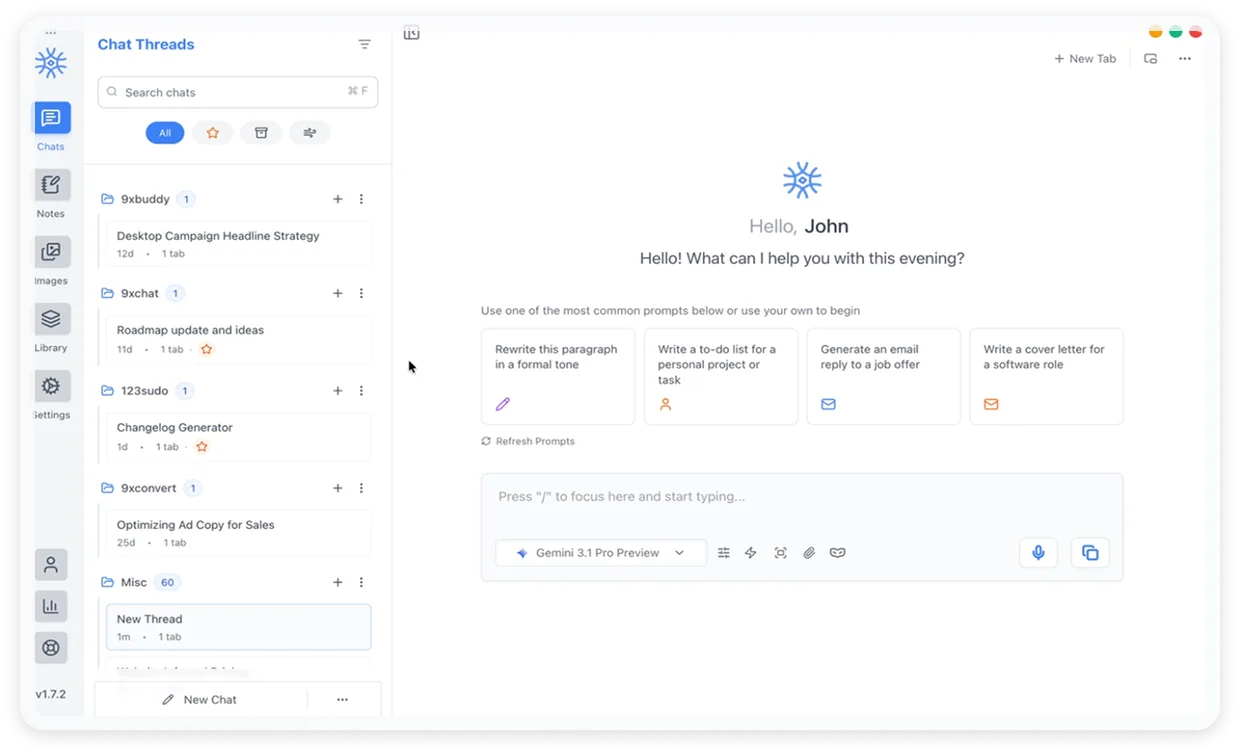
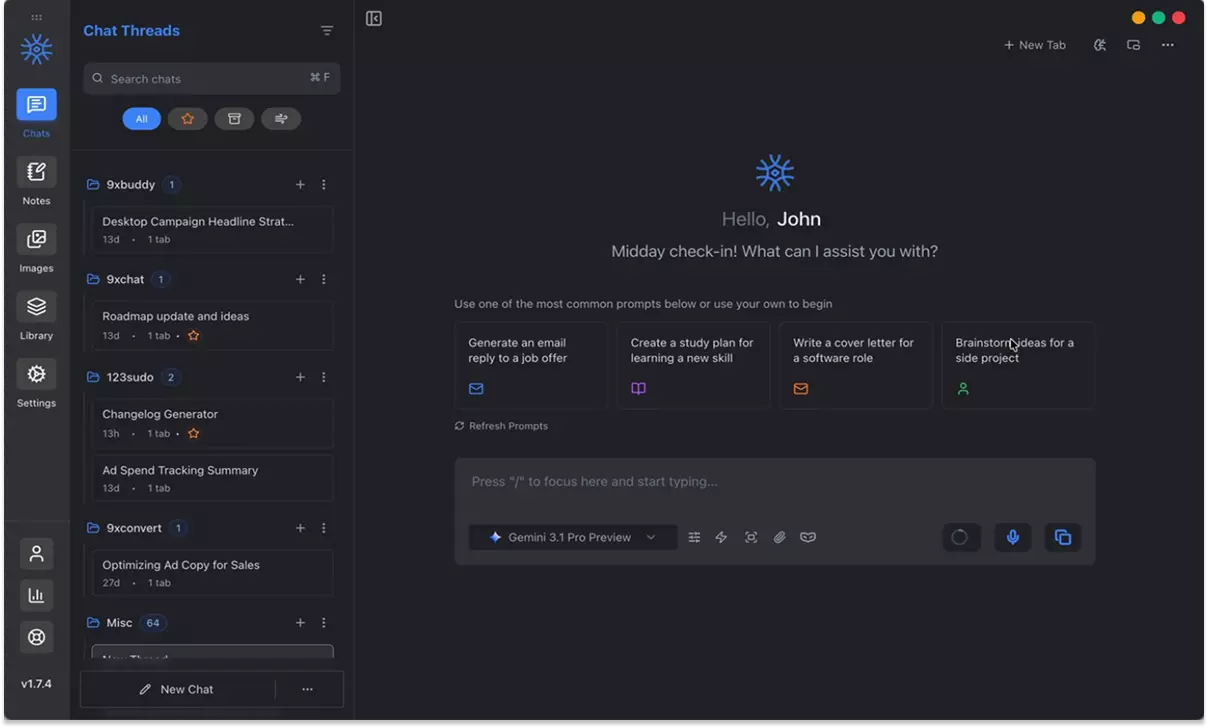
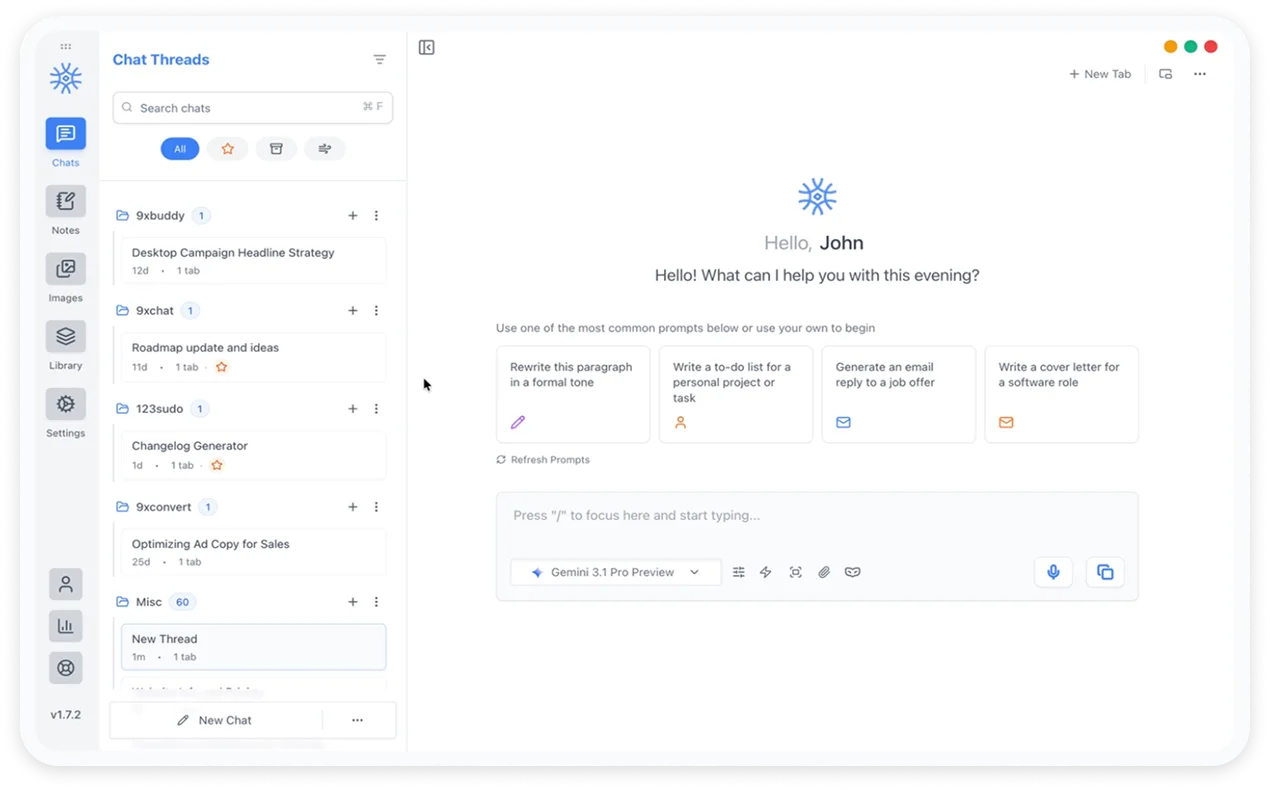
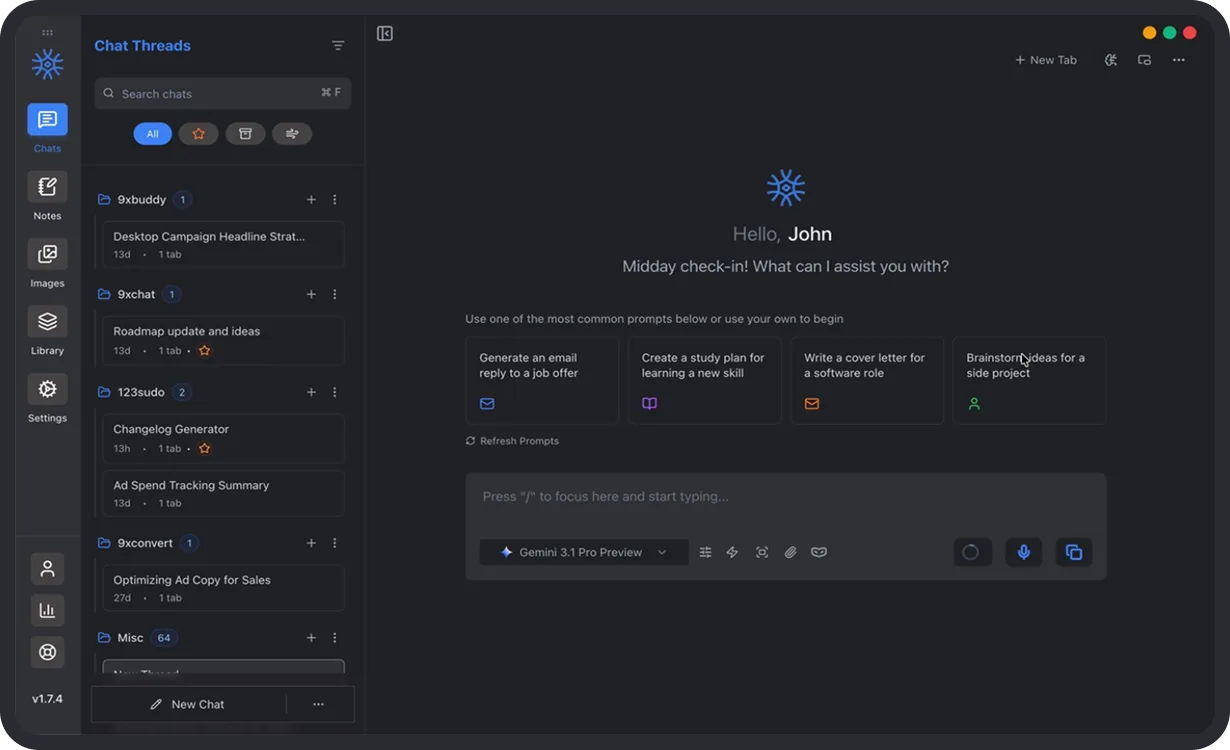
All your favorite AI models in one private workspace, with persistent memory, live tools, and real context in one place while keeping your data private and local.
- 3-day refund
- No ads, no tracking
- Updated Aug 1, 2026
Works with your favorite AI models













Not a claim. A count.
Everything You Need to Work Smarter with AI
Powerful features designed to keep your conversations, tools, and workflows in one focused AI workspace.
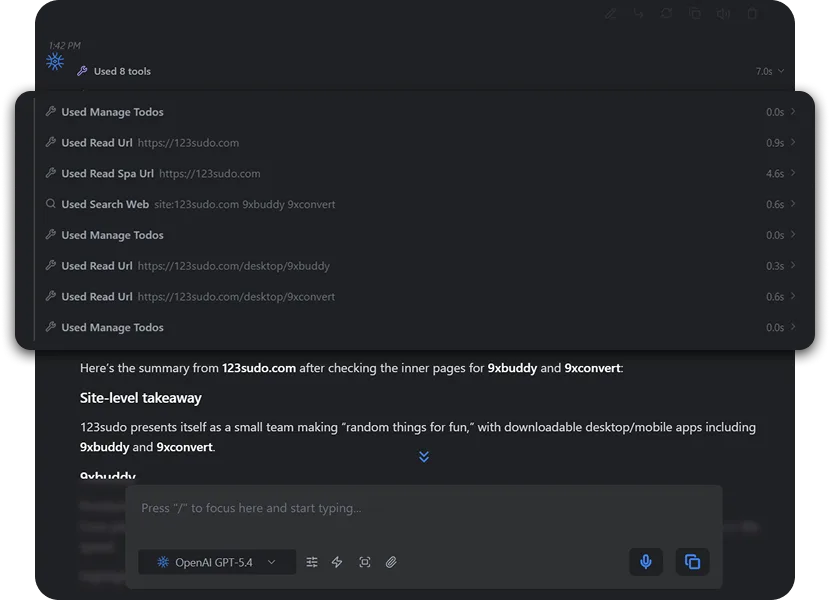
Agentic Workflows
Stop micro-managing your AI. Define an objective and watch 9xchat autonomously chain prompts, execute tools, and handle multi-step reasoning. It's a digital employee, not just a chatbot.
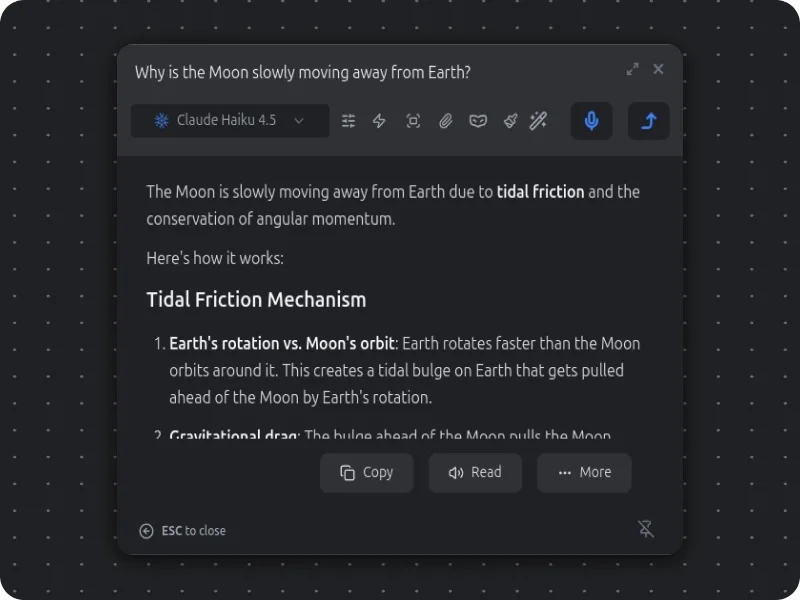
Omnipresent Copilot
Never break your focus. Summon 9xchat instantly as a floating window over your IDE, terminal, or browser. Drag, drop, and inject AI directly into your active workspace without switching contexts.
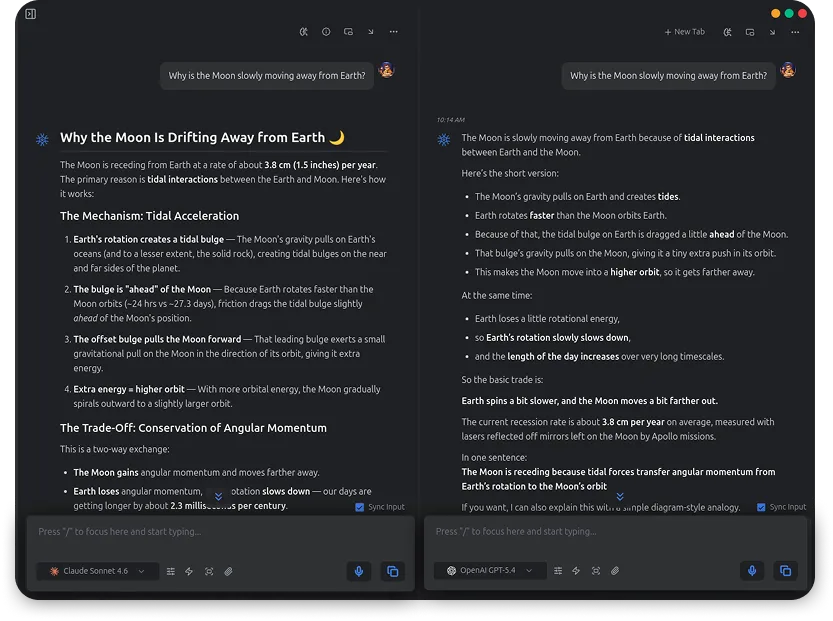
Model Agnostic
Why lock yourself into one ecosystem? Hot-swap between ChatGPT, Claude, Gemini, or local models mid-conversation. Route queries to the best brain for the job or compare their outputs side-by-side.
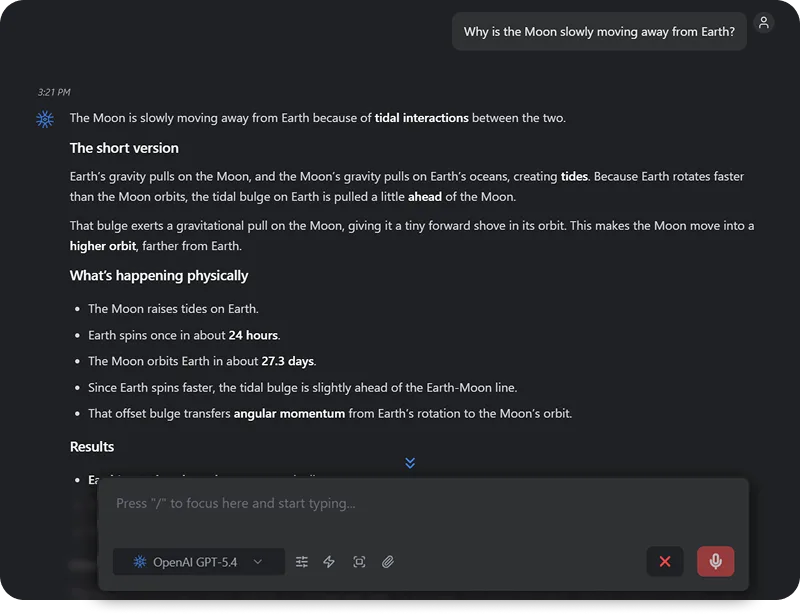
Lightning Voice Notes
Speak your mind. Powered by ultra-fast transcription, 9xchat instantly converts your raw, spoken thoughts into clean, structured Markdown. Perfect for capturing on-the-go ideation and meeting summaries.
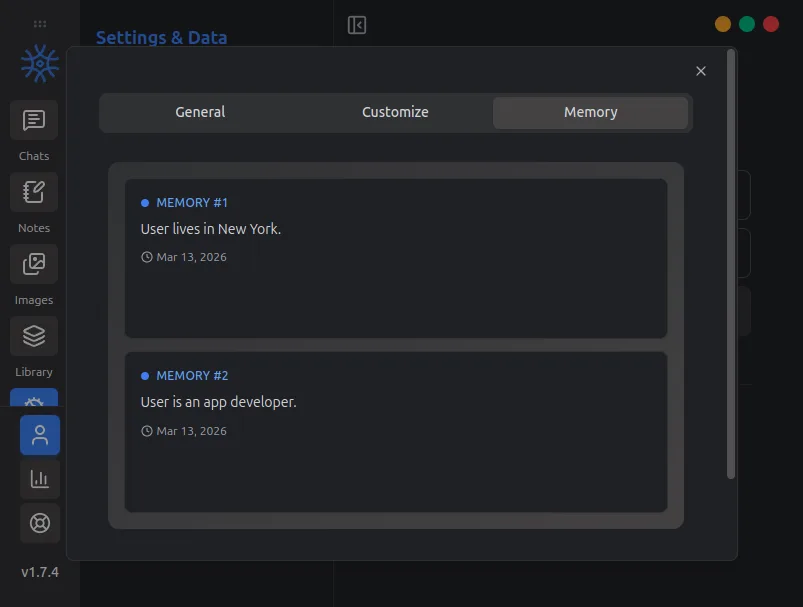
Persistent Memory
Never repeat yourself. 9xchat builds a smart, long-term memory of your projects, coding styles, and preferences. Paired with instant cross-device sync, your AI context picks up exactly where you left off.
Your AI Workspace, Now in Your Pocket
Everything you love about 9xchat on desktop, optimized for mobile.
Available on Android and iOS.
Chat on the Go
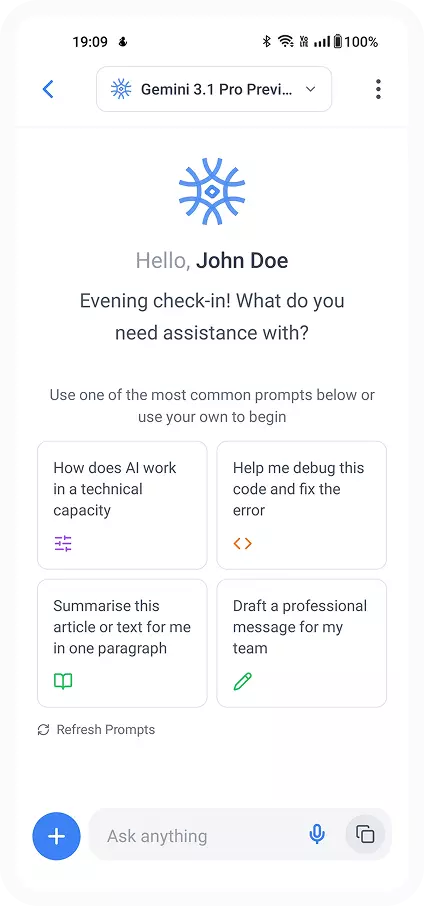
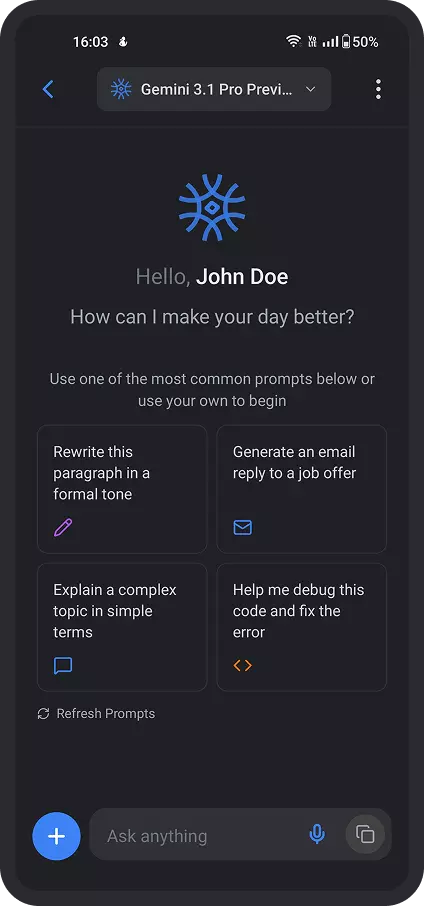
Pick up conversations right where you left off. Your full chat history, persistent memory, and settings sync instantly to your phone.
Type Less, Do More
Skip the tiny mobile keyboard. Use slash commands, quick actions, and a pre-built prompt library to launch complex workflows with a single tap.
Voice & Hands-Free
Speak directly to your AI to transcribe messy thoughts on the move, and have responses read out loud for a fully hands-free commute.
Chat with YouTube & Web
Drop a YouTube link to instantly pull the video transcript into your chat, or trigger live web search to get real-time answers from anywhere.
Chat on the Go
Pick up conversations right where you left off. Your full chat history, persistent memory, and settings sync instantly to your phone.
Type Less, Do More
Skip the tiny mobile keyboard. Use slash commands, quick actions, and a pre-built prompt library to launch complex workflows with a single tap.
Voice & Hands-Free
Speak directly to your AI to transcribe messy thoughts on the move, and have responses read out loud for a fully hands-free commute.
Chat with YouTube & Web
Drop a YouTube link to instantly pull the video transcript into your chat, or trigger live web search to get real-time answers from anywhere.
Straight from the store
Left on Google Play by people who installed the app. Copied here word for word.
aditi arora
It give fast replies and actually gets what you're saying. Love that it's private and super simple to use. No ads, no drama, just works
123sudo
Thank you for downloading our app! We will keep working on it!
Robin Pilania
using 9xchat windows software and guys it is such a gem of app.. trying 9xchat just for fun on my android.. hope they have sync function for windows and android
123sudo
Hi, Thanks for your feedback. We are continuously working on adding more features to our app to make your experience better.
Maketti
Удобно, всё отлично работаетBuilt to Keep You in Flow
Spend less time switching tools and more time getting meaningful work done with AI.
Online Models
Access a wide range of cloud-based AI models for writing, coding, research, and creative tasks. Switch between models effortlessly to get the best results for every job.
Language Settings
Choose your preferred language for the application.
Local Languages
Use 9xChat in multiple languages for a more natural and personalized experience, no matter where you're working from.
Support
Reach us through email, in-app tickets, or our Discord community - we're here to help.
Frequently Asked Questions
All the answers you need - from setup and models to pricing and security.
9xchat is available on Windows, macOS, Linux, iOS, and Android, so you can use your AI workspace across desktop and mobile.
No email and no password, ever. Your account is a UID - a short code that identifies your licence and credits. Install the app and begin right away, or buy a licence on the web first and enter the UID when you install. Keep the UID safe: it is the only way back into the account.
It cannot be recovered. Because we never ask for an email address or a password, there is nothing we can check to prove an account is yours, so a lost UID is gone permanently along with any licence time and AI credits on it. Save it somewhere safe as soon as you get it - that is the trade for an account that is not tied to your identity.
You can start in under a minute. Install the app, open it, and begin right away with no login or API key required to try it.
Yes. 9xchat is designed to be easy to start with, while still offering deeper control for people who want a more advanced AI setup.
No. You can start using 9xchat instantly without technical setup. More advanced options, like local models or your own API keys, are there when you need them.
Ready to work 9x faster?
Get started in under a minute. No forced monthly fees, no credit card needed. Just fast, powerful AI right on your computer.
Get Started